The Problem
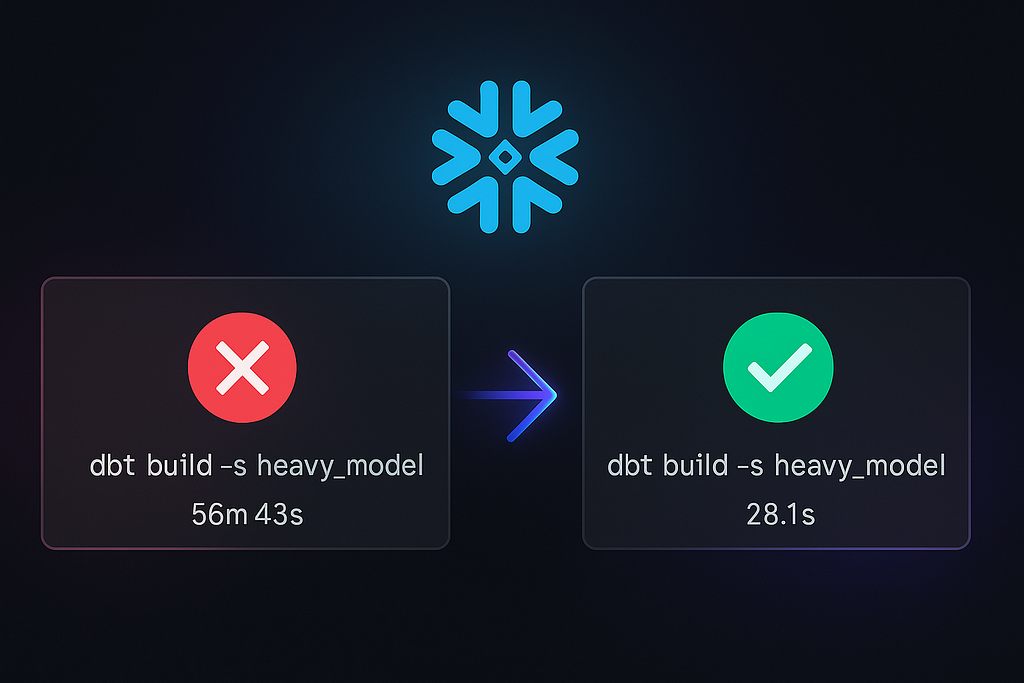
Recently we found a bottleneck in a client’s pipeline. One model was stopping the entire downstream, taking over 50 to 60 minutes to build. Since the downstream models were heavily dependent on this crucial dataset, we had to reduce the build time — the strict build time requirement was one hour total. Even though the rest of the pipeline took about 10 minutes, we were too close to the limit and it was generating huge costs.

Investigation
As all Snowflake and dbt developers should do, we started by investigating the data. We were surprised to find that the source had only ~40k rows. That’s nothing.
We checked the query profiler in Snowflake — nothing looked suspicious. No heavy transformations, no joins, no aggregations. It was just a simple staging model, dynamically casted using a dbt macro (see also Automating Salesforce → dbt Models: Dynamic Metadata-Driven Modeling).
But something didn’t add up. If the query was that simple, what could be taking 40 minutes to run?
So we looked at the data itself again — and that’s when we noticed it: over 500 columns. Most of them unused. The table was wide, extremely wide. Salesforce developers had been adding and updating fields constantly, which caused the schema to grow horizontally over time.
At first, we didn’t consider that to be a performance issue. But after digging deeper into Snowflake’s query profiling and documentation, it became obvious: wide tables are a silent performance killer, even when row counts are small.
Why is that?
Snowflake is a columnar database, but that doesn’t mean it likes hundreds of columns.
Each column has its own metadata, compression, and statistics within micro-partitions (Snowflake stores data in ~16MB chunks). During query planning, even if you select only a few columns, Snowflake still has to read the metadata and decompress blocks associated with all columns within those partitions.
In practice, this leads to:
- Heavier query compilation time — parsing and planning for 500+ columns is slow.
- Increased micro-partition reads — pruning becomes ineffective since min/max stats are stored per column.
- Worse cache utilization — Snowflake’s result and column cache become fragmented across too many attributes.
- Higher warehouse cost — CPU usage and I/O spike because of excessive metadata handling.
Even a simple query like:
select * from raw.salesforce_account limit 10;
can internally scan hundreds of column blocks, decompressing structures that add seconds or even minutes to runtime when repeated at scale.
Row count doesn’t matter at that point — Snowflake still has to parse and load column metadata from every micro-partition touched by the query. The more columns you have, the more metadata structures, compression dictionaries, and column statistics it needs to resolve before returning even a single row.
In practice, the time complexity grows disproportionately. It’s not linear to the number of columns; it increases almost exponentially once the optimizer starts handling hundreds of column descriptors per partition. That’s why a table with 40 000 rows and 500 columns can run slower than a table with 40 million rows and 30 columns.
Lesson Learned
Our dynamic extraction macro had no filter mechanism — it was simply pulling everything from the source. We fixed that by adding an include= parameter, allowing us to specify which columns were actually required downstream.
After deploying this change, build time for that model dropped from ~55 minutes to under 1 minute.

Joachim Hodana - Software & Data Engineer
The Hidden Cost of Wide Tables in Snowflake was originally published in Lortech Solutions Blog on Medium, where people are continuing the conversation by highlighting and responding to this story.